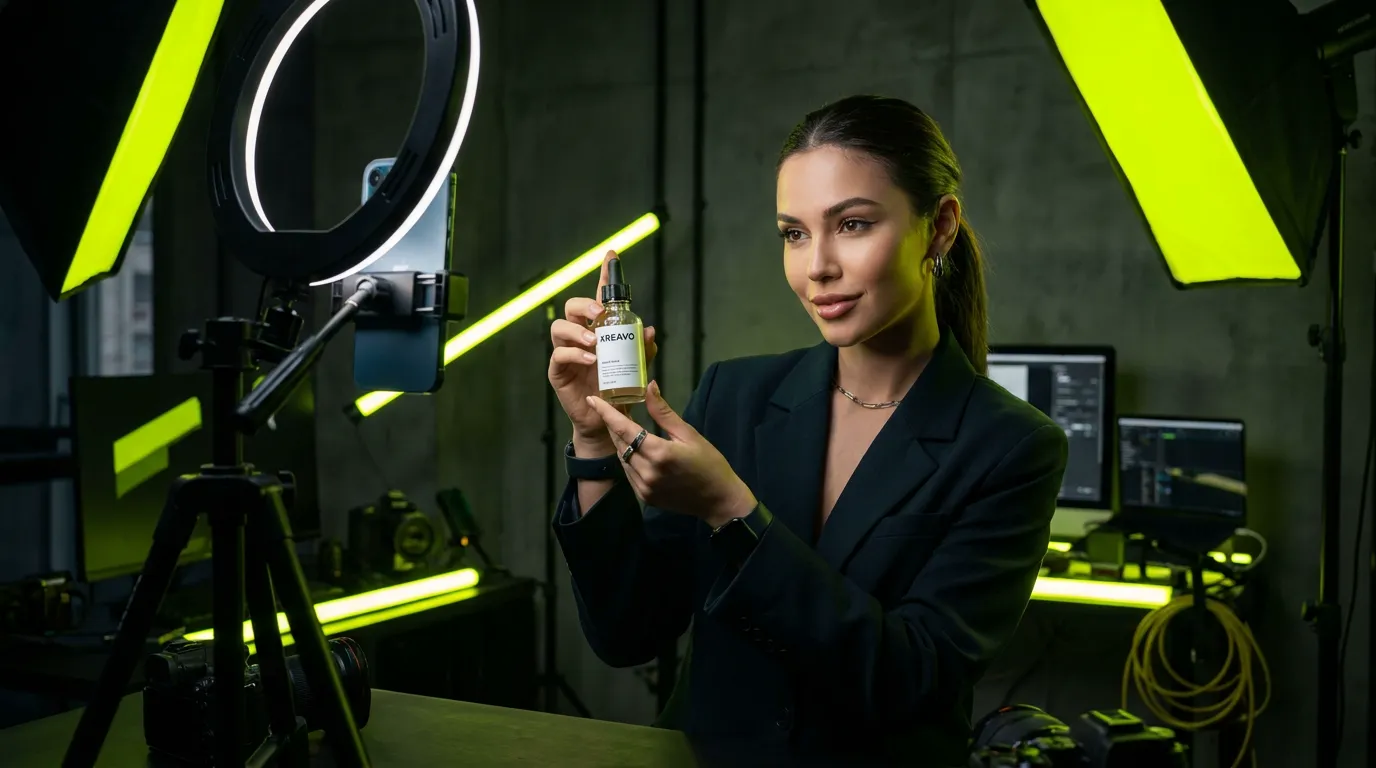
Most UGC ads fail before anyone sees the product: the first two seconds do not hold attention, so the feed moves on. A TikTok that already has views has passed that test with a real audience. Recreating it keeps everything that earned the views, the hook, the pacing, the moment the product appears, and changes only what has to be yours: the person on screen and the product in their hands.
This guide walks through the whole loop: choosing a video worth recreating, preparing it, recreating it with an AI influencer, and testing the result. The tool used here is Kreavo's Recreate a TikTok, but the checks apply whatever you use. It works the same with Instagram Reels.
Step 1: choose a TikTok worth recreating
Views alone are a weak signal. A video can go viral for a joke that has nothing to do with selling. Look for videos whose structure would still work with a different face and a different product.
- One person, clearly visible, talking or showing something. Crowds, fast group dances and heavy effects are harder to recreate cleanly.
- The product, or a product of the same kind, appears in hand within the first few seconds.
- Comments asking where to buy, what it is, or whether it works. That is buying intent, not just entertainment.
- A length you can use: most ad-ready UGC sits between 10 and 30 seconds. You can recreate up to 60 seconds at a time.
- A hook that does not depend on who the person is. If the video works because a known creator is in it, changing the person will not carry the result over.
- It can come from TikTok or Instagram Reels. The same format often runs on both, so look at both.
Step 2: prepare the video and your product photo
Copy the link from TikTok or Instagram (Share, then Copy link) and paste it into Kreavo: the video is downloaded for you. Short links and the text TikTok adds around them are fine. Private, deleted or region-blocked videos, TikTok photo slideshows and Instagram photo posts cannot be imported. In that case, or if you already have the file, upload the MP4 or MOV instead (up to 100 MB; a linked video can run up to 10 minutes).
A filmstrip of the video appears with two handles. Keep 2 to 60 seconds, usually the hook and the demonstration, and cut the outro, the end card and any long pause. The credit price updates as you drag. Shorter is cheaper and almost always performs better as an ad.
If you want your product in the video, prepare one clean photo of it: the real product, sharp, on a plain background, seen from roughly the same angle as the product in the TikTok. The closer the angle, the more natural the swap. Leave the product slot empty if the original product is fine or if no product is shown.
The original voice is kept, so pick a video whose script fits your product: if it names another brand or makes a claim your product cannot back, choose another video.
Step 3: pick the face for the audience you want
The AI influencer you choose replaces the person on screen and stays the same across every video you make with them. What they bring besides the face depends on the Body setting below. Pick the face for the buyer you are targeting, not for the original video: age range, style and setting should feel like someone your customer would trust.
If you do not have an AI influencer yet, create one first. It takes a few minutes and you reuse it in every future recreation, which is what makes a series of ads look like one consistent creator rather than a stock catalog.
Pick the photo, not just the influencer
Clicking an influencer opens their gallery, and you pick one photo of them. The result follows that photo. In My influencer's body, the outfit comes from it too, so pick a photo where they wear what you want to see in the video.
Choose the Body setting
- My influencer's body (the default): face, hair and outfit come from the photo, and Kreavo asks for your influencer's build too. The moves still follow the original person, so a big difference in height or build only partly shows. Use it when you want your own character, in your outfit, in every video. The framing may widen slightly so the whole body stays in shot.
- Keep the video's body: your AI influencer takes the person's place in the video's own clothes, glasses and accessories, at the video's height and build, and the framing stays as in the original. Use it when the outfit is part of the format, for example a video you filmed where the outfit is already your product, or when the framing must not move.
Several people on screen
Add up to three influencers and, for each one, choose who they replace: the person on the left, in the middle, on the right, or the person speaking. Everyone else on screen stays as they are.
Step 4: recreate it
Start the recreation. There is no model to choose and no prompt to write. By default Kreavo keeps every movement, gesture, camera move, cut, background and on-screen text, and replaces the person and, if you added it, the product. The original sound is kept.
- Price: 29 credits per second of video, in HD, shown before you start. A 10-second TikTok costs 290 credits.
- Time: about 5 minutes for a clip under 10 seconds, 10 to 15 minutes for 10 to 15 seconds, and about 15 minutes for 20 to 28 seconds (median, October 2026). You can leave the page; your recreations stay under My recreations.
- Failures: if a recreation fails, for example because a safety filter refused the video, the credits come back automatically. A finished recreation is billed, and running it again is a new recreation, billed again.
The extra line, the product photo and extra influencers do not change the price. Prices for every length: Recreate a TikTok, the feature page
Optional: change the setting in one line
The Extra instructions field takes one short line, up to 300 characters. Kreavo follows it before keeping the rest as it was, so you can use it to move the scene somewhere that fits your brand. It is a request, not a guarantee, so check the result. For example:
- "put her in a bright modern kitchen"
- "move him to a sunny café terrace"
- "make the room a clean white studio, soft daylight"
A few rules of thumb:
- One change per line, so you can see whether it worked.
- Describe the place and the light, not the person: the person already comes from your influencer's photo.
- Name what must stay if it matters, for example "keep the sunglasses".
- Everything else follows the original and your Body setting.
Step 5: check it before you post
Open the finished recreation to compare the original and the result side by side, or with a slider that wipes from one to the other. Watch it once with sound and check these points.
- The face stays the same from the first frame to the last, including when the person turns or moves fast.
- The product, if you swapped it, keeps its real shape, colors and label in every frame. A product that changes size or color in the middle is not usable on TikTok Shop.
- Hands, fingers and anything crossing the face look natural at full size, not just in the thumbnail.
- If you added a line: the new setting holds from the first frame to the last, and nothing you wanted to keep has changed, such as the outfit.
If one of these fails, recreate again with another face, a cleaner product photo or a clearer line rather than posting a weak version. When the line changed something it should not have, name what must stay, for example "keep the black dress", and run it again. Each new run is billed as a new recreation.
Step 6: test faces like an advertiser
One recreation is a guess. Two or three with different AI influencers on the same proven video is a test. Run them as separate ads with the same budget and compare the hook rate, the share of impressions that watch at least three seconds. Under 25 percent the hook is not landing, around 30 percent is workable, above 45 percent is strong. The face with the best hook rate is usually the one to scale.
From a finished recreation, Another face reloads the same video. The clip selection goes back to the start of the video, so drag the handles to the same part, then pick another influencer and run it.
Change one thing at a time. If you change the person and the product and the caption at once, you will not know which change made the difference.
Test the setting as its own variable: same video, same face, two lines, for example a kitchen against a café terrace, with the same budget. Keep the setting that wins, then test faces in it.
Label it as AI when you post
Turn on TikTok's AI-generated content toggle when you post, or say it on screen or in the caption. TikTok Shop sellers in the US have specific rules on AI content since September 2, 2026: the product must look exactly as it is sold and synthetic people cannot pose as experts. Our page on AI UGC for TikTok Shop goes through them format by format.
On Instagram and Facebook, Meta asks you to disclose realistic AI-made video with its AI label. For ads, see Does Meta allow AI-generated UGC ads?