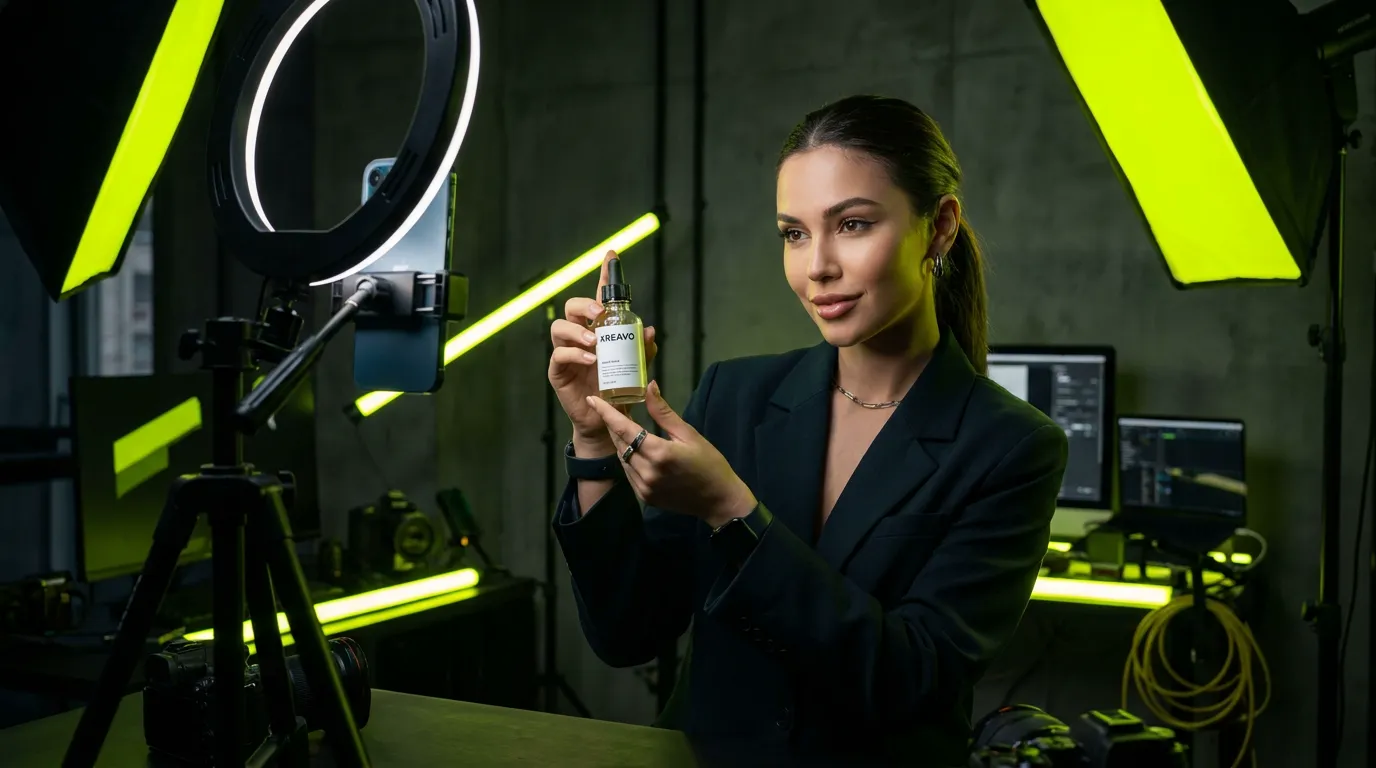
Why 9:16 is the default
UGC works because it looks like something a real person filmed on a phone, and phones film vertically. A 9:16 video fills the entire screen on TikTok, Reels, and Shorts, with no letterboxing and no wasted space. A 16:9 clip dropped into a vertical feed looks like a TV ad, which is exactly the signal UGC is supposed to avoid. If you generate only one version of an AI UGC video, make it 9:16.
Format by placement
- TikTok feed and Spark Ads: 9:16, 1080×1920.
- Instagram Reels and Stories: 9:16, 1080×1920; keep text away from the top and bottom UI zones.
- YouTube Shorts: 9:16, 1080×1920.
- Instagram and Facebook Feed: 1:1 or 4:5 tends to fit best; 9:16 is also accepted.
- YouTube in-stream and website hero video: 16:9, 1920×1080.
- Amazon and product pages: 16:9 is the common choice; check the marketplace's current video specs.
Kreavo exports AI UGC videos in 9:16 and 16:9, so you can generate the vertical ad and the landscape product-page version from the same script and the same AI influencer.
Length and structure
Most UGC ads run between roughly 15 and 45 seconds. Length matters less than structure: the first two seconds carry the hook, the product appears early and clearly, one benefit is stated plainly, and the call to action closes. Longer videos are fine when they hold attention with a demo or a story; padding is not. Because most AI UGC videos cost $1 to $5, testing a 15-second and a 30-second cut of the same script is affordable.
Export checklist
- Generate 9:16 first; it covers TikTok, Reels, and Shorts.
- Generate a separate 16:9 or 1:1 version instead of cropping, so the product and presenter stay framed correctly.
- Keep captions and text inside the safe zone for each platform's overlay UI.
- Burn in captions if the platform's auto-captions are unreliable for your script.
- Upload the highest-quality file the platform accepts; recompression happens anyway.