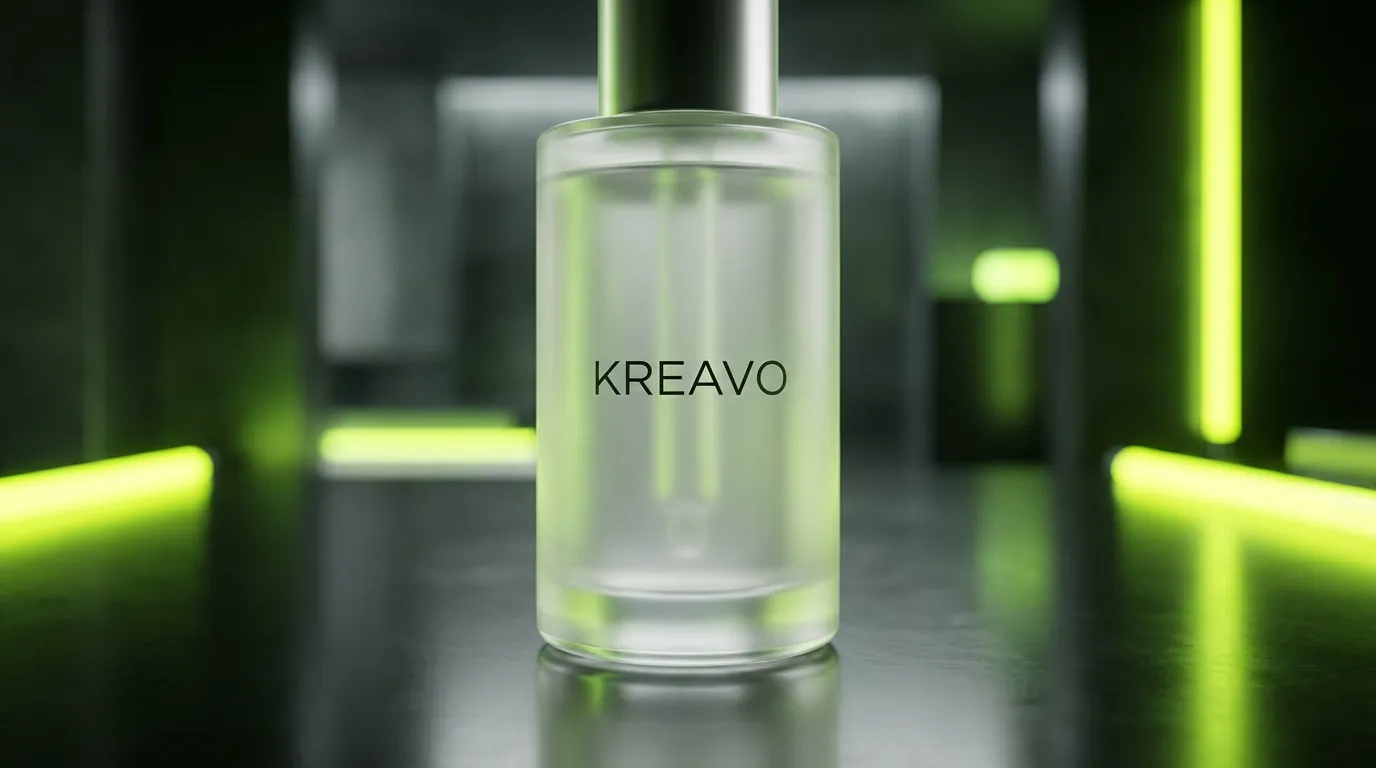
Why the real product matters
A UGC ad sells one specific item. If the video shows a bottle that is almost your bottle, viewers notice, and the ones who buy may feel misled when the real package arrives. Advertising rules also require that an ad represent the product accurately. So the difference between an AI video that shows your product and one that shows a plausible approximation is not cosmetic; it decides whether the ad is usable at all.
How product compositing works
Instead of asking a video model to imagine your product from a description, Kreavo takes your reference photos and composites the actual product into the generated scene. The AI influencer is generated around it: holding it, placing it on a desk, using it in a kitchen or bathroom. The same reference is reused across variations, so ten videos with different hooks all show the same, correct product.
- Product-in-hand: the AI influencer holds and presents the item to camera.
- On-desk or on-counter: the product sits in the frame while the presenter talks.
- Lifestyle: the product appears in a realistic setting such as a gym bag, a bathroom shelf, or a car.
- Photos too: AI product photography at $0.07 to $0.75 per image, up to 4K, using the same reference.
What to upload for the best result
- Use a clean, well-lit photo of the product on a plain background, front-facing.
- Add a second angle if the product has a distinctive side, cap, or handle.
- Make sure the label text is sharp; blurry references produce blurry labels.
- Upload the exact variant you are advertising, not a similar color or size.
- Do not paste compressed screenshots; use the original image file.
What to check before publishing
Watch the video at full size once. Confirm that the label reads correctly, that the proportions look right in the presenter's hand, and that the scene does not add features your product lacks. If something is off, change the reference photo or the scene and regenerate; most videos cost $1 to $5, so a second pass is cheap. You can also swap the product in an existing video using Kreavo's reference-based video editing.